Dues & Payments
View your dues and payment history, and submit proof of payment for the HOA to verify.
- Dues
- Payment history
- Proof of payment
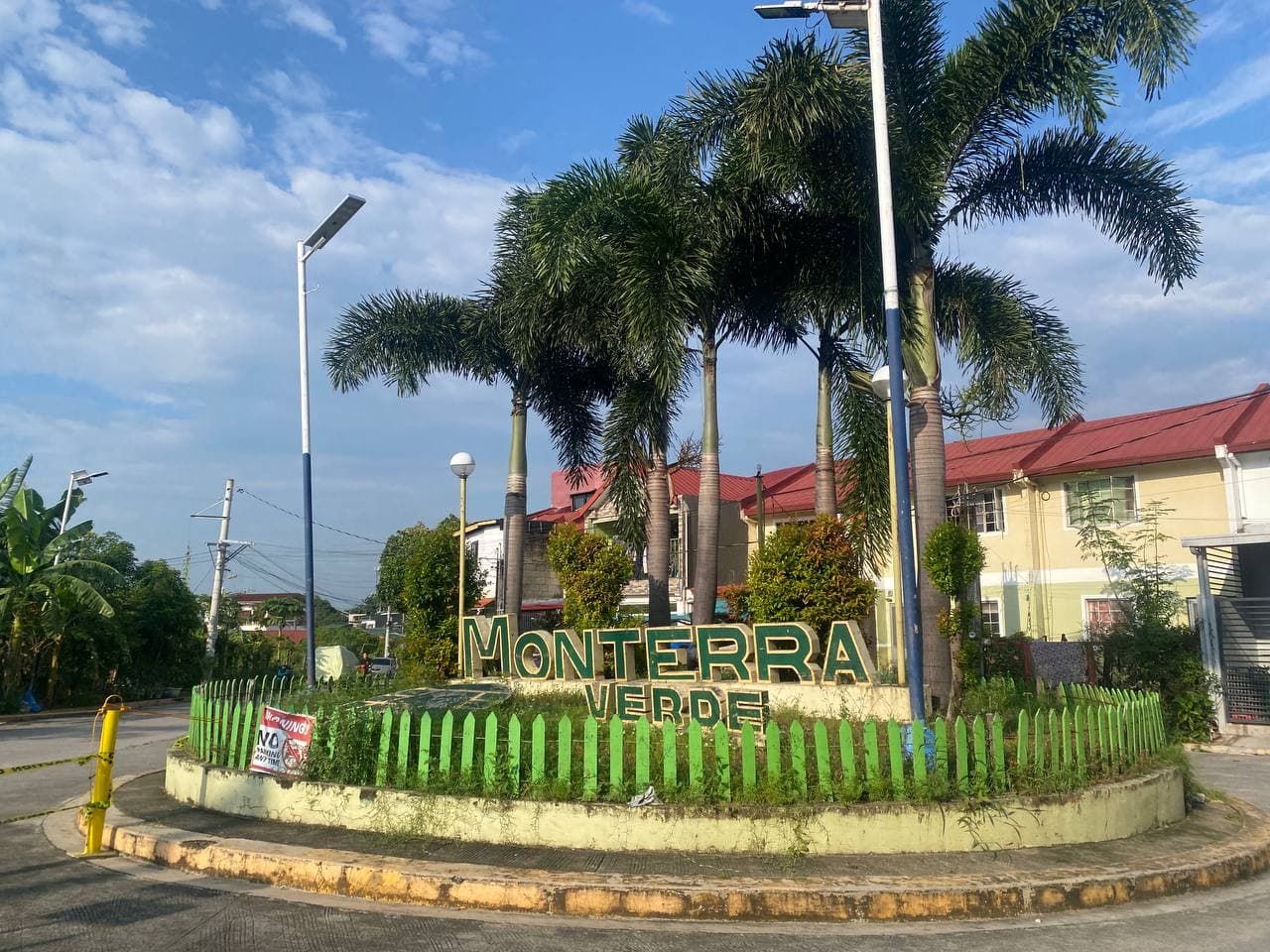
MONTERRA VERDE HOMEOWNERS ASSOCIATION
Access HOA announcements and your resident information through the Monterra Verde Resident Portal.
Explore your portal: Dues & Payments, Announcements, Your Residence, HOA Documents, 2D Map, Submit a Complaint and Manage Account Access.
FOR RESIDENTS
Available to residents with an approved account.
View your dues and payment history, and submit proof of payment for the HOA to verify.
Read HOA announcements and community notices.
View the block, lot and occupancy information on record.
Access the HOA documents shared with residents.
View the subdivision's blocks and lots on a map.
Send a concern to the HOA and follow its status.
Manage your password and account access.
ABOUT MONTERRA VERDE
Monterra Verde residents can create an account for their lot and access the Resident Portal after their registration has been reviewed by the HOA office.
OUR COMMUNITY
Explore the shared amenities and facilities within Monterra Verde.
Use the left and right arrow keys, or Home and End, to change the photo.
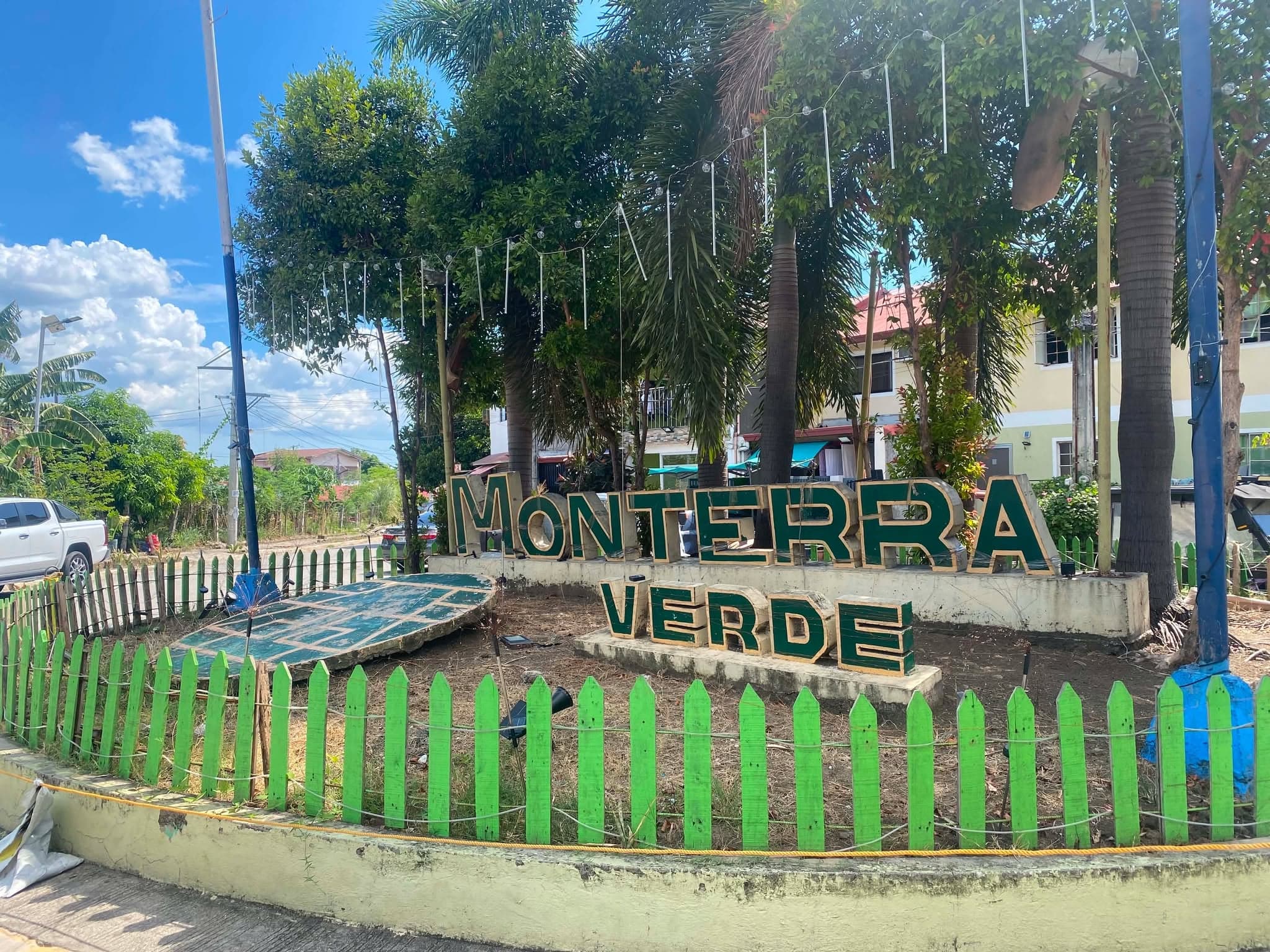
The Monterra Verde sign at the community entrance.
Photo 1 of 3GET STARTED
Step 1
Enter your resident and lot information, verify your email, and upload one supporting document.
Step 2
The HOA office checks your document and may ask for another one by email.
Step 3
Once approved, use your registered email and password to access the Resident Portal.
Register for the Monterra Verde Resident Portal. Account access is subject to HOA approval.